How to make custom VHS tapes in 2025
(the hard way)
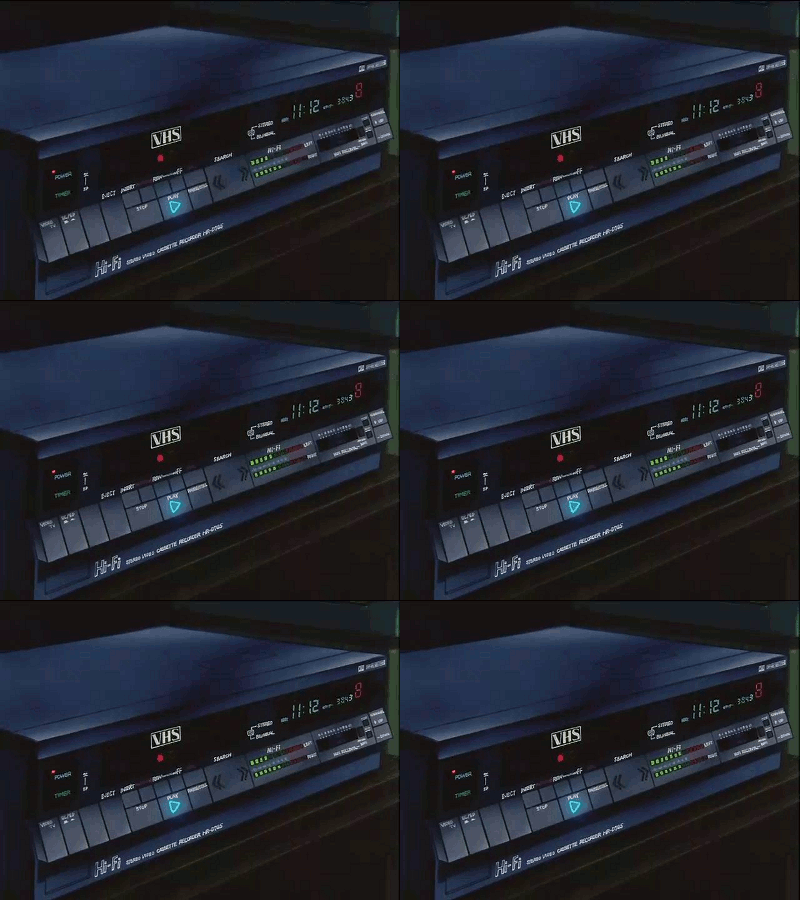
This is more of a project diary/blog post than a tutorial, so be prepared for lots of rambling!
Currently (as of December 2025) I have found myself deep in a rabbit hole of working with old, deprecated video technology! (Oh, no... what did I do this time?)
Making custom VHS tapes from DVDs I burned myself!
It all started with me browsing the r/VHS, r/vhsfansubs, r/animevhs, and r/sailormoon subreddits. I fell back into the rabbit hole of collecting anime VHS tapes (specifically tapes of the original DiC/Pioneer/Cloverway English dub of Sailor Moon) and got the brilliant idea to record the newer Viz Media English dub on VHS tapes as I watch it for the first time!
(Recording VHS tapes? In 2025? Who DOES that?)
My reasoning: I haven't watched the newer Sailor Moon dub before, and I really wanted to watch it, but due to my ADHD, I can't sit still and just watch anything without multitasking. Having the VCR record as I watch would satisfy my need to do multiple things at a time. Also, official VHS tapes exist for the original Sailor Moon dub, but not for the newer, more accurate dub (which was made between 2014-2016). So I would be making a unique product! And lastly, I'm bored, and I wanted a project that will challenge me both technically and artistically!
Simplified Workflow:
- Burn 4 episodes at a time onto DVD-R discs with no menu (to make it easier to handle recording to VHS)
- Run the DVD player AV output to the VCR
- Record!
Also, since I currently don't have a TV set up, I run the VCR output through a USB capture card and monitor the recording on my computer with OBS. This unfortunately introduces a slight audio lag and desync, but since it's only for the monitoring side and not for the recording, I'm not worried!
Why the complicated 2005-esque setup? Well, recording directly from my computer via HDMI would require a converter that I don't have, lots of fiddling around with the video files on VLC (Audio language, subtitles, etc.) and video resolution issues going from 1080p to 480p. Not to mention my computer having memory issues and crashing sometimes. Having a standalone DVD player handle playback is just easier in my mind.
Software and Hardware:
- Handbrake (to re-encode video to 480p with English signs/songs subtitles burned in)
- ConvertXtoDVD (to burn the re-encoded video files to DVD)
- PS3 Slim (to play DVDs)
- Zenith XBV713 DVD/VHS combo unit (to record VHS - DVD half is broken, but VHS still works!)
- DigitNow USB video capture card (for monitoring the recording)
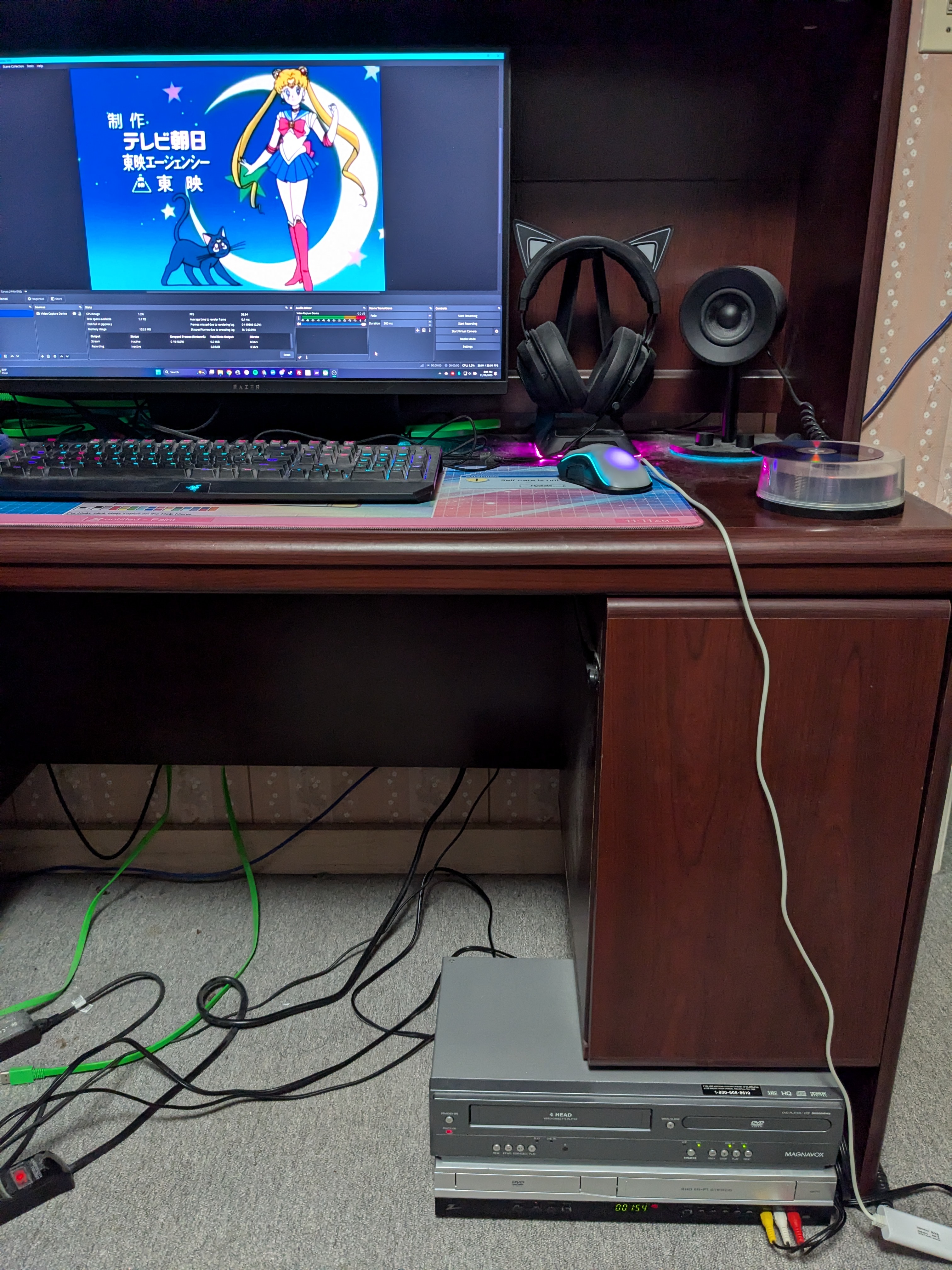
Here's what my initial setup looked like (some things have definitely changed since I started working on this project!):
Challenges (the bad and the ugly):
My first mistake was downloading badly-encoded versions of the episodes to use as my source video. After dealing with a tape or two with stuttering video and missing sign subtitles, I stopped, got better versions of the episodes, then started over.
Second mistake: I originally burned the video files directly with ConvertX, which screwed up the sign subtitles. Also, the video was from a PAL source (the best-looking remaster of the show is the Italian DVD version) and was 576p instead of NTSC's 480p and parts of the image were being cropped out (though the framerate wasn't a problem, thank God). So I ended up having to use Handbrake first to re-encode the video with the sign subtitles burned in and downscaled to 480p properly.
Next mistake: I originally used a cheap, half-broken, old as dirt DVD/VHS combo to play the DVDs. It worked for a while, with occasional video skipping I couldn't explain, then the video REALLY started skipping as the laser started to fail. So I ended up switching to my PS3, which handles DVDs much better.
Cover and Label Design
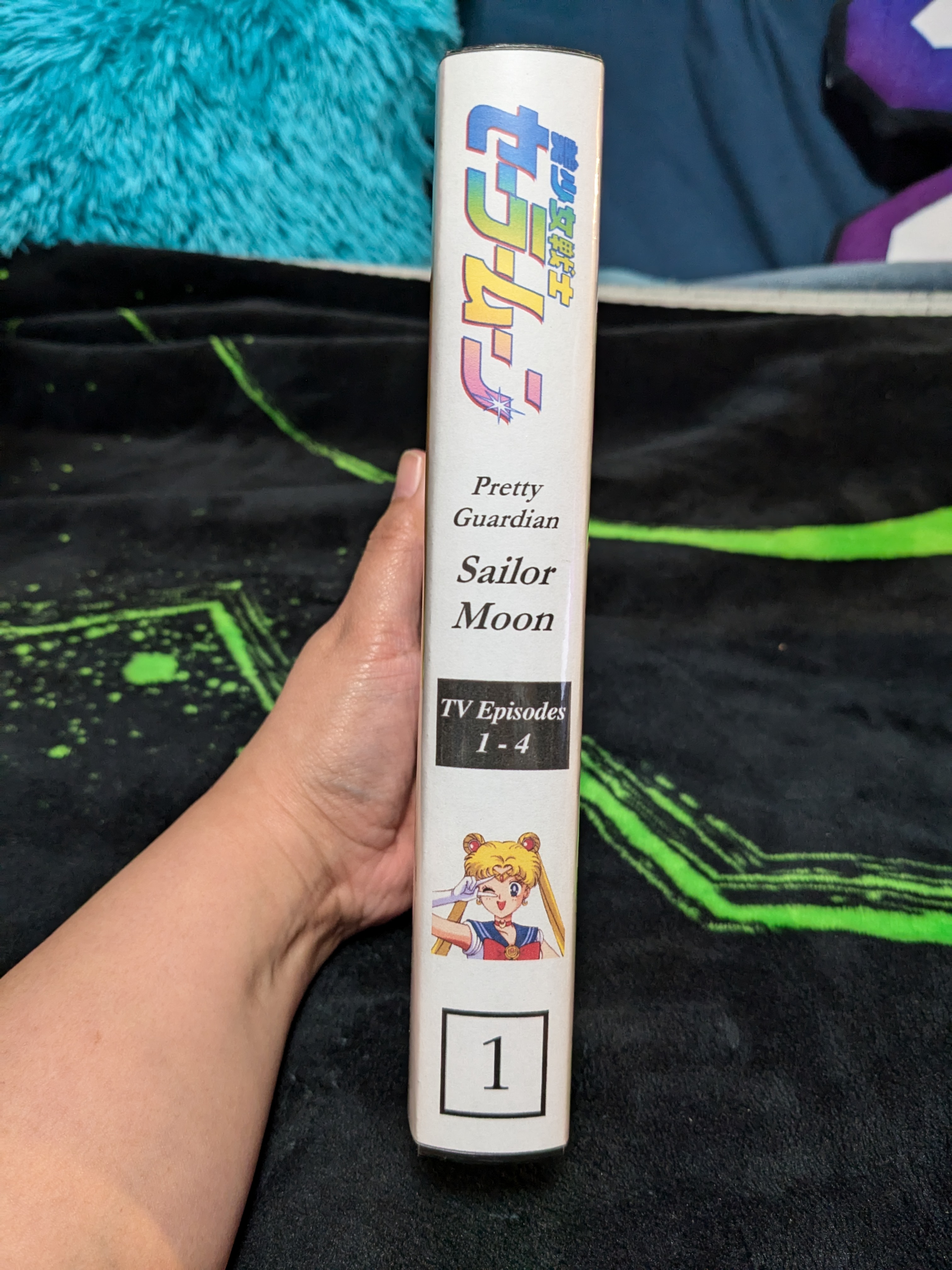
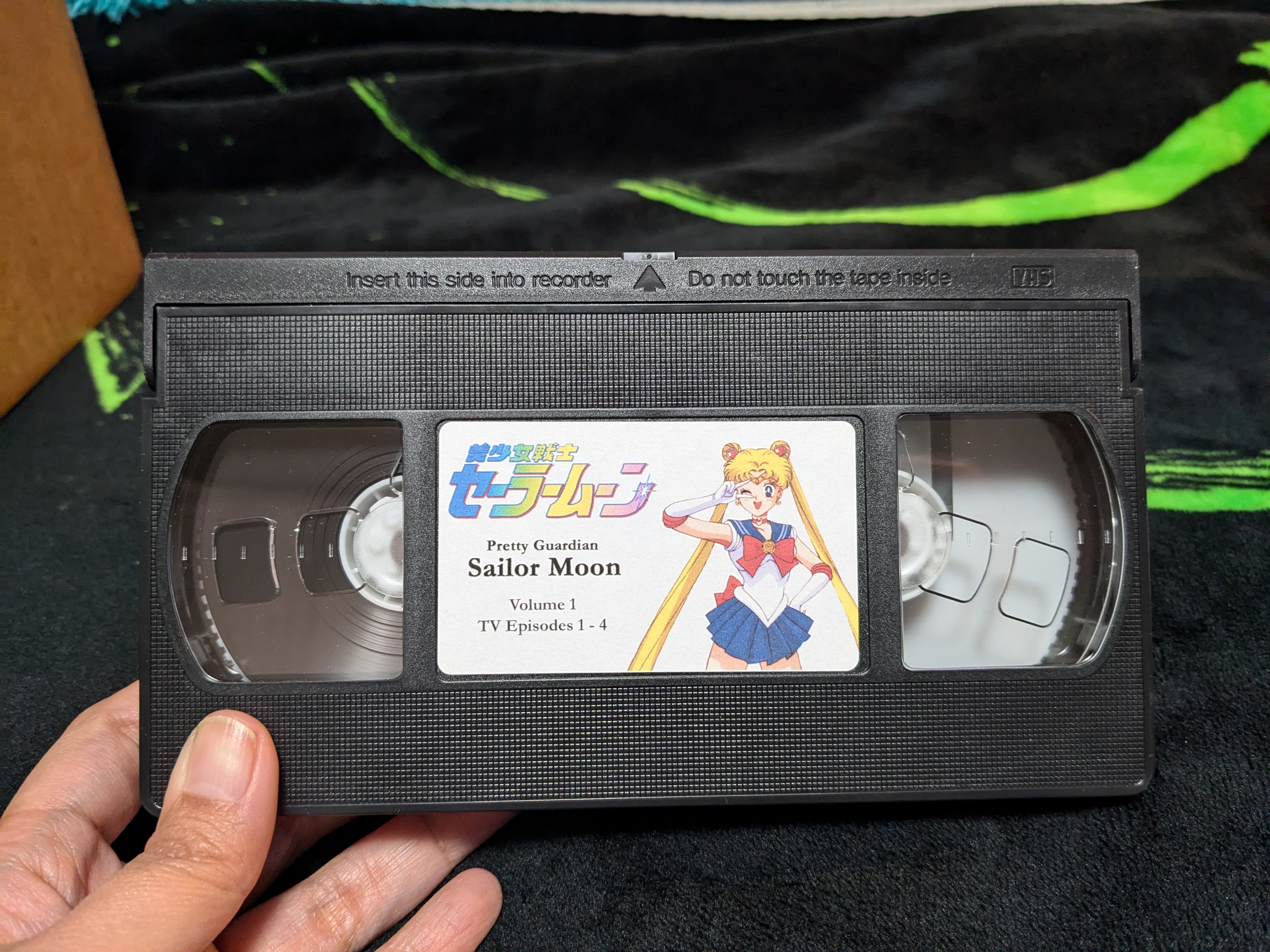
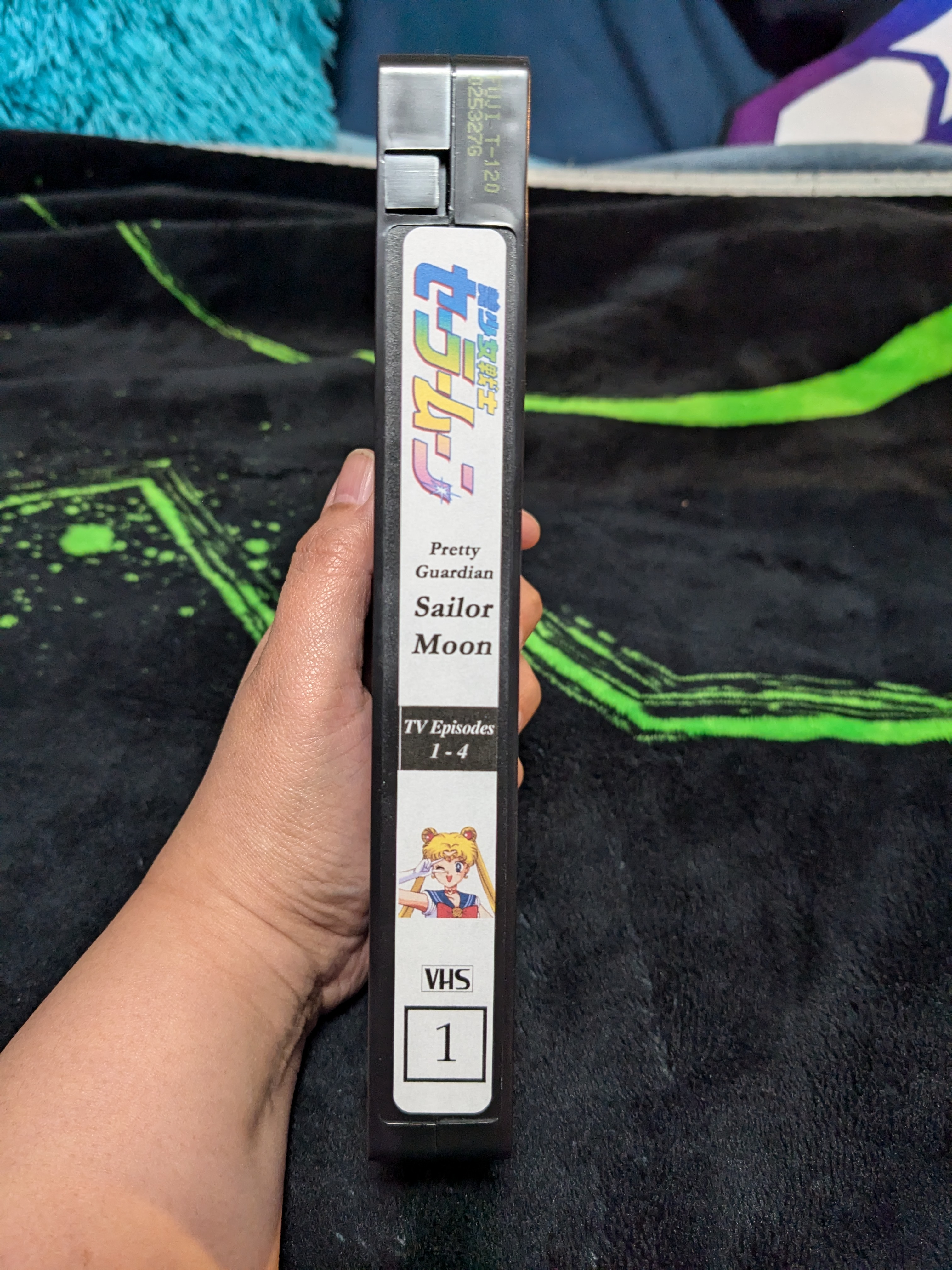
I said earlier I wanted a project that would challenge me technically AND artistically - I'm also designing custom covers and labels for the tapes!
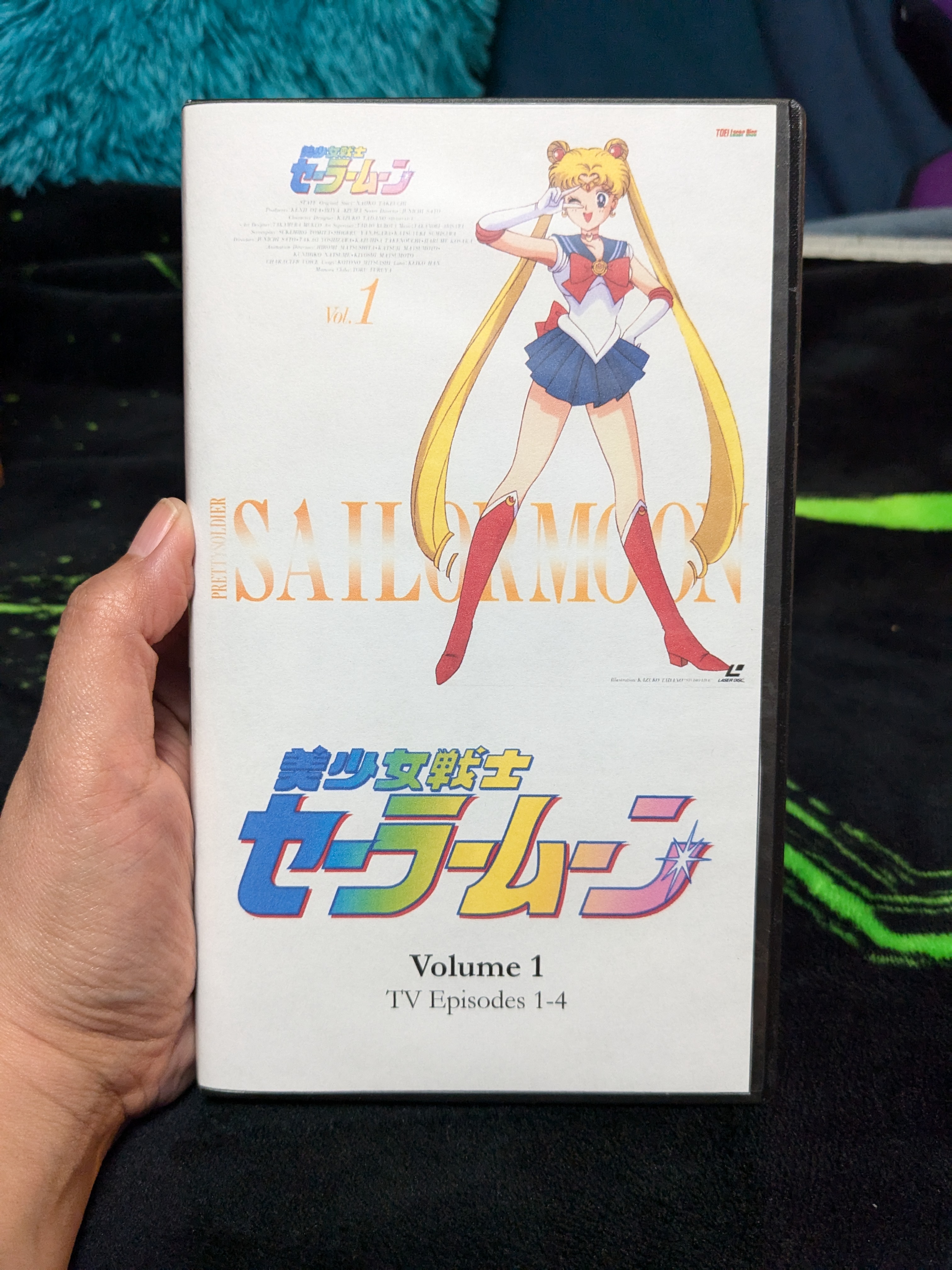
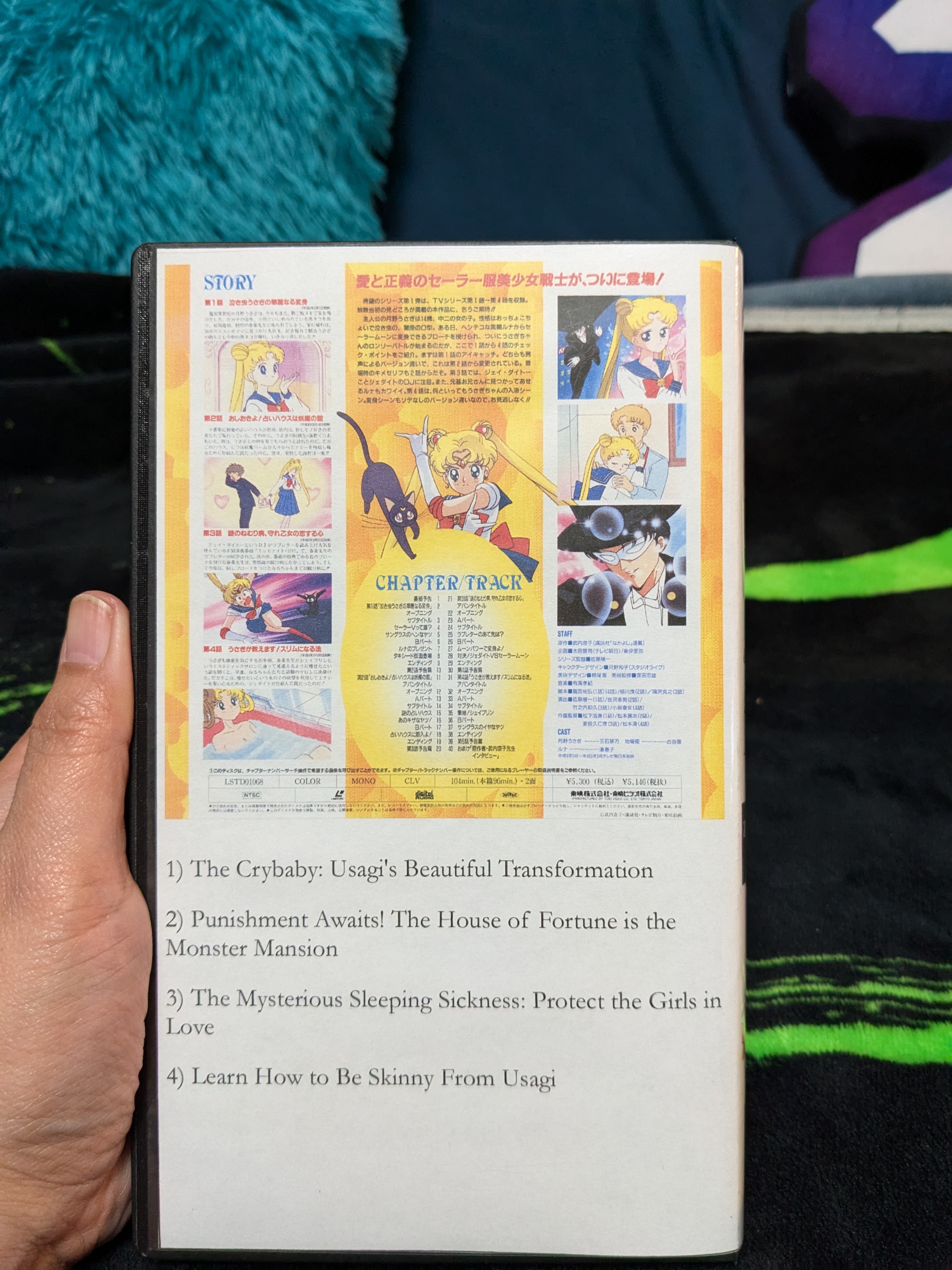
To be as nostalgic and anachronistic as possible, I'm using the cover and label templates from Studio Chikashitsu and VKLL's VHS fansubs as my base, along with high-resolution images of the Japanese LD covers. Editing all the images and text elements and putting them together is actually helping to improve my Photoshop skills! The end product looks amazing:
Final Words(?):
At this point, I think I have all the kinks ironed out, and the rest of this project will go smoothly. Hopefully. With 200 TV episodes, 3 movies, and a handful of specials, I have my work cut out for me. But at least I'll get to enjoy it along the way!